comparison The Green Room
Double Ender vs Cloud Recording vs Zoom for Guest Audio
Three ways to capture a remote guest, and three different failure modes. What a double ender, a cloud recorder, and a plain video call each do to your audio, your workload, and your guest's patience.
How a Double Ender Actually Works, Track by Track
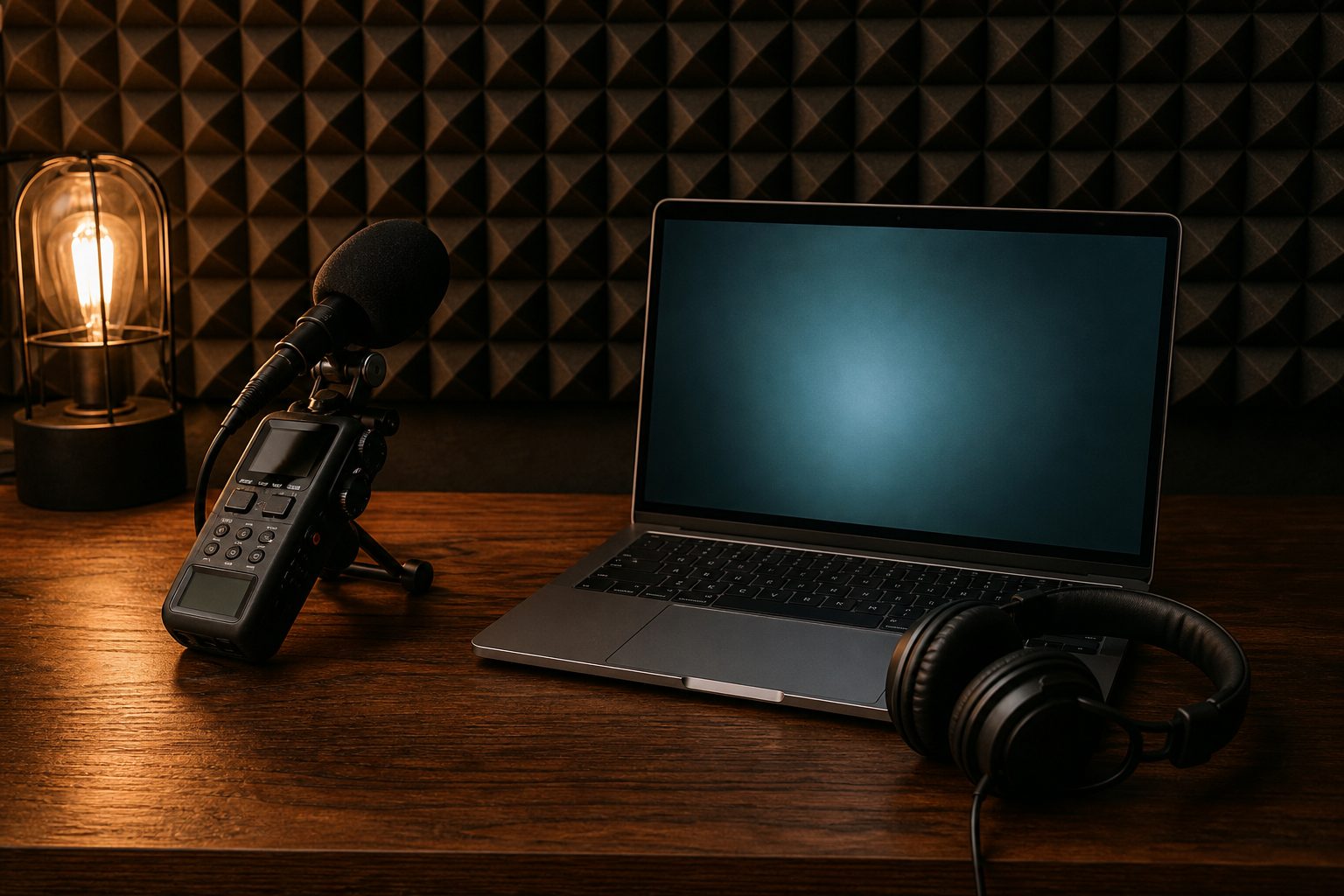
In a double ender recording, each participant records their own microphone locally while carrying on a conversation over a standard call. After the session, each person sends their raw audio file to the producer, who lines up the tracks in post-production to create a finished episode. This model aims to capture the full quality of every microphone, without the compression and dropouts of internet audio streams.
Most hosts run their end using a digital audio workstation or a simple recording app set to uncompressed WAV format. The guest's side can be trickier. Some guests have recording knowledge and their own gear, but many need a crash course. They might use a smartphone app or a laptop audio recorder. The key is to ensure the guest's track comes out in high fidelity, with minimal background noise and no processing baked in.
The resulting files are usually large. A 45-minute WAV can be hundreds of megabytes. File transfer happens after the call, using cloud drives, email for shorter clips, or dedicated transfer services. The editor then syncs the tracks by clapping at the start or using a count-in, so each voice lines up exactly with the other. The main selling point: each track is the best audio that person's microphone and environment can deliver, untouched by network blips.
Keep reading: Eight Guest Booking Mistakes That Cost a Weekly Show an Episode
Cloud Recorders and the Progressive Upload Model
Cloud-based recorders aim to take the pain out of double enders by handling the recording and file collection inside their web platform. Each participant joins through a browser, and the system records every microphone locally on each participant's machine. As the session continues, small chunks of audio upload in the background. If someone drops off, the platform still has everything up to that moment, because the files live both locally and in the cloud.
This approach reduces the risk of lost audio due to network interruptions. It also cuts out the need for a guest to manage files after recording. Many platforms offer separate tracks for each speaker, exported as high bitrate or lossless files. Most also include video if needed, though that increases both bandwidth usage and storage requirements.
For the producer, this means less back-and-forth with guests about uploading files. The platform automates assembly, and the host can download the final tracks from a single dashboard. Most cloud recorders add a moderate delay to the call to keep everything in sync and check upload progress. The session's quality depends on the guest's microphone and recording environment, but not on transient internet slowdowns or call glitches.
Zoom and Meet: What Codecs and Compression Remove
Standard video call platforms like Zoom and Google Meet were built for live communication, not audio archiving. They compress sound heavily to keep conversations smooth even on poor connections. This means your remote guest's audio passes through multiple stages of processing before you ever hear it or record it.
When you hit the record button in Zoom or Meet, the service saves the audio as your ears receive it: processed in real time, compressed, and often filtered to reduce noise or echo. These codecs strip out frequencies that matter for a natural voice sound. Subtle tones, room ambiance, and faint consonants often disappear. If a guest's sound cuts out, the silence is baked into the file, with no way to restore the lost words.
Zoom has improved its audio options for musicians and podcasters, but its core algorithms still prioritize clarity and bandwidth savings over full-spectrum fidelity. Google Meet works similarly, with few controls for preservation. The resulting files are easy to share and small in size, but they rarely sound as good as a locally recorded track. You also get only composite tracks by default, which limits control in editing.
Keep reading: Recording Consent Laws and Guest Releases for US Podcasts
Bandwidth Trouble: Which Method Loses Audio and Which Does Not
Bandwidth is the wild card for all remote recording. When a guest's connection falters, audio can stutter, clip, or drop out entirely. How each recording method handles these moments determines whether you lose content or just put up with a rough call for a few seconds.
Double Ender Resilience
With a double ender, network hiccups do not affect the local tracks. Even if the live call drops, the guest's recording keeps rolling unless their device crashes. This is the safest way to guarantee every word is captured, as long as the recording is started and stopped correctly. The risk is more human: forgetting to hit "record" or losing files to user error.
Cloud Recorder Buffering
Cloud recorders use progressive uploading to guard against temporary connection loss. If a guest's connection dips, the browser keeps saving locally and pushes the backlog to the cloud when the internet returns. Long outages can disrupt the session, but partial files are usually recoverable. The main technical risk is a browser crash or a local disk full, rather than the network itself.
Video Call Fragility
Platforms like Zoom depend wholly on real-time streaming. If bandwidth drops, audio quality degrades instantly, words can become garbled or lost. The recording reflects exactly what was heard during the call, with no option to restore missing audio. For shows where every guest insight counts, this is the riskiest approach for unpredictable networks.
File Handoff, Storage, and Friction on the Guest Side
Recording methods differ most in how much technical work a guest must do after the call. For experienced guests, managing files is routine. For first-timers, even basic steps can introduce friction and risk.
Double Ender File Wrangling
Once the recording ends, each participant needs to locate their audio file, upload it to a shared drive, and notify the producer. This can mean a gigabyte or more for long, multi-track sessions. Problems arise if the guest closes their recorder before saving, uploads the wrong file, or struggles with cloud storage links. Any confusion can slow production by days while you chase missing tracks or sort out file formats.
Cloud Recorder Automation
Cloud platforms minimize guest friction by handling file storage and transfer automatically. When the session ends, the guest can simply close their browser. The host retrieves the audio from the platform dashboard. Some tools email a download link to each guest as backup, but in most cases, no extra step is needed. The only major friction point is browser compatibility or security settings that might block recording permission at the start.
Video Call Simplicity, Composite Only
Zoom and Meet keep everything in one place. When you stop recording, the service saves the session in a cloud folder or downloads it to the host's computer. Guests do not handle files at all. However, there is no control over individual tracks, and the host gets only what the internet delivered in real time. For shows with minimal editing needs, this can be fast and simple, but not flexible.
See how MicPrep handles this for podcasting
Cost Per Episode for Each Approach
Budgets drive many production choices, especially for independent hosts. Each method has its own cost model, trading money for convenience and quality.
Double Ender: Equipment and Time
The double ender has low direct costs, but it demands time and technical skill. Most software is free or already installed, but you may need to purchase microphones, audio interfaces, or headphones. The real expense comes in post-production: syncing tracks, cleaning up technical mistakes, handling file transfers, and troubleshooting guest mistakes. If you pay an editor by the hour, double enders can add significant hidden costs.
Cloud Recorders: Subscription or Usage Fee
Most cloud recording platforms charge a monthly fee or per-hour rate. This covers server usage, storage, and customer support. These costs can be predictable, and some platforms offer free tiers with usage caps. The value is in time saved: less file wrangling, easier multi-track editing, and fewer lost sessions. For high-volume shows or teams with limited tech skills, this can be more cost effective than paying for extra editing hours.
Video Calls: Free or Bundled
Zoom and Google Meet are often already included in office software packages or available with a free account. There are no added costs per episode for recording. However, the tradeoff comes in audio quality and editing limitations. If the show's sound needs to stand out, you may end up spending more on post-production to clean up the audio or add missing clarity with artificial tools.
Choosing by Guest Type: Executive, Author, First Timer
The right recording method depends on your guest's experience, comfort with tech, and expectations for the finished product. One size does not fit all. Matching workflow to guest profile saves headaches and can improve the conversation itself.
Executives: Simplicity and Reliability
Busy executives want a quick, low-friction experience. They may have assistants but often lack time to troubleshoot software or upload files. For this group, a cloud recorder with automatic file handling is usually best. It removes steps and ensures minimal setup. If the executive's time is extremely tight, using Zoom or Meet can work, but only if you accept the audio tradeoff. Some high-level guests have home studio setups and can manage a double ender, but this is rare outside of media-trained leaders.
Authors and Media Professionals: Quality and Flexibility
Authors, journalists, and regular media guests may have microphones and recording know-how. They appreciate quality and are often willing to run a local recorder. Double enders work well with this group, especially if you need the best possible track for marketing or syndication. Some authors rely on publicists, so clear instructions and bulletproof checklists are key. Cloud recorders also suit this group if you want to simplify the process without compromising on separate tracks.
First-Timers: Handholding and Safety Nets
First-time guests are the most likely to struggle with setup and file transfer. For them, cloud recorders with user-friendly interfaces are ideal. These platforms can guide the guest through mic checks and handle files behind the scenes. If you must use a double ender, plan to walk the guest through every step, ideally in a pre-call or with screen sharing. For quick, informal chats where quality is not critical, Zoom or Meet may suffice, but expect editing headaches if the guest's environment is poor or their connection unstable.
No matter which method you choose, the key is matching your workflow to your guest's comfort level and the show's quality goals. Many independent producers now use booking services that combine scheduling, guest intake, and tech checks with structured pre-interview questionnaires. This reduces confusion and ensures every guest gets the right setup instructions before recording day, saving time and protecting your audio investment.
Next up The Green Room
Read also
Eight Guest Booking Mistakes That Cost a Weekly Show an Episode
The episodes that fall apart rarely fail in the edit. They fail in the booking, the confirmation, and the ten minutes before the record. Here are the eight failures that cost a weekly show its slot.
Recording Consent Laws and Guest Releases for US Podcasts
Consent rules for recording a conversation change at the state line, and a signed release covers what consent does not. What US interview shows need on tape, on paper, and in the file with the audio.
What the Mike Daisey Retraction Teaches About Vetting Guests
In 2012 This American Life pulled a full episode after a monologist's account failed verification. The vetting steps that were skipped are the same ones a one person interview show can still run.