trends and outlook The Green Room
What YouTube and Spotify Video Mean for Booking Guests
Video is now a booking question, not a post production one. What YouTube and Spotify distribution changes about the ask you send a guest, the setup you request, and the budget you need.
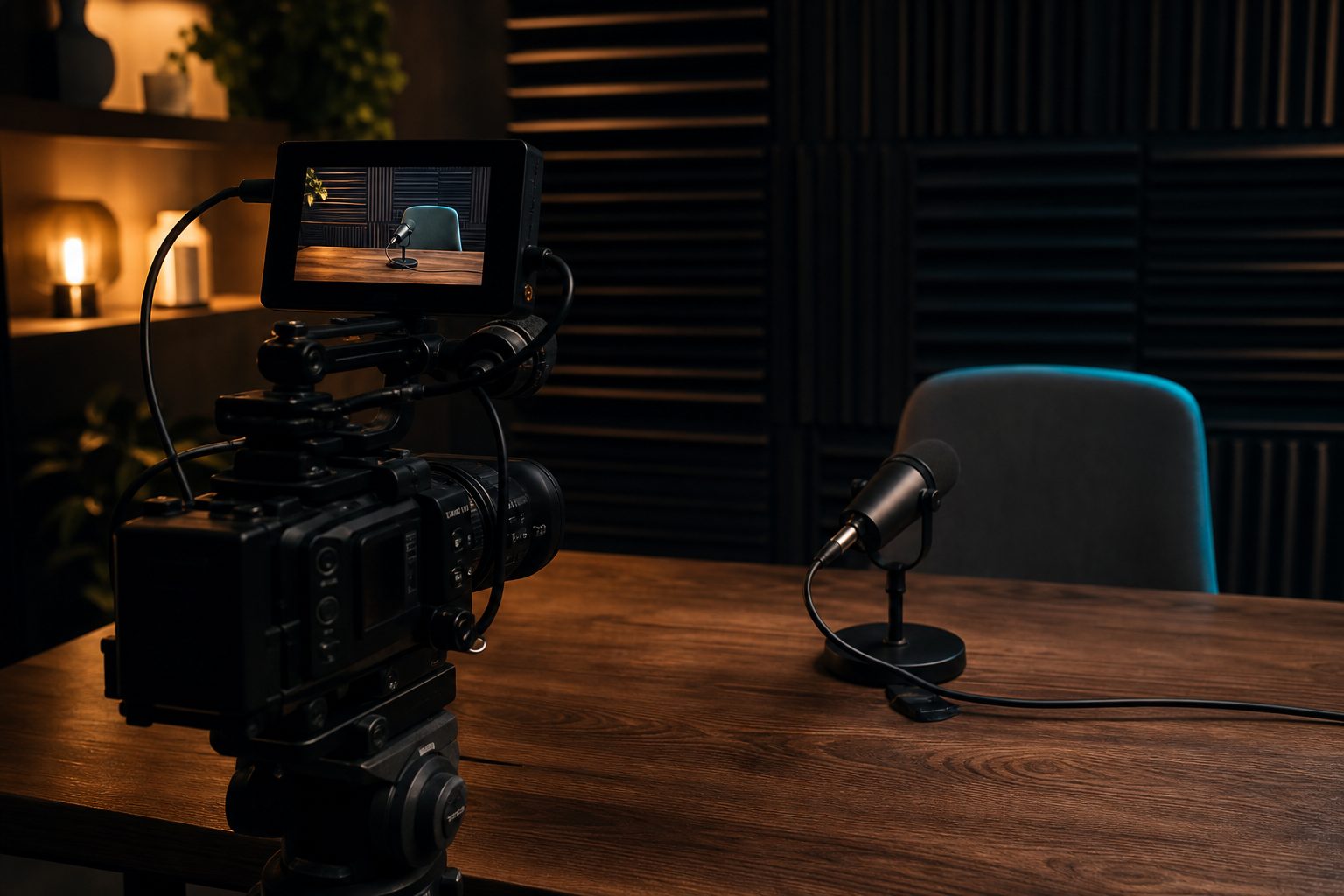
Where US Podcast Listening Moved and Why Video Followed
Podcast audiences in the United States have shifted listening habits in the last three years. More people now access shows from their phones, but the way they find and consume content has changed. Instead of relying only on Apple Podcasts or dedicated audio apps, listeners are using platforms designed for video: YouTube, Spotify, and even TikTok for clips.
This migration did not happen by accident. As short-form video exploded and video streaming became routine, audiences grew accustomed to seeing speakers, not just hearing them. The biggest shows in news, sports, and culture started uploading full video episodes. Their audiences followed, drawn by the ability to watch expressions, body language, and studio moments as they happened.
For independent hosts and small teams, the result is clear: video is no longer just for the big players. Guests and listeners now expect to see a camera in the mix. Booking a guest means considering not only their audio but also how they appear on screen, and whether they're comfortable being recorded in both formats. The old model, audio first, video optional, has flipped in many genres.
Keep reading: The 48 Hour Checklist Before a Remote Guest Interview
Spotify's Partner Program and Video Inside the Feed
Spotify began as an audio platform. Its recent moves, however, show that video is now a core part of its podcasting offer. When Spotify enabled video uploads for more creators, it sent a message: video is not just a YouTube feature. It can live inside the same feed as the audio, available to every listener with the app.
The Spotify Partner Program expanded access to video podcasting tools. This changed booking in subtle ways. For example, a guest asked to join a show distributed on Spotify may now need to be camera ready. The host has to explain that the video will appear alongside the audio for every listener who presses play. There is no option to "skip" the visual: the format is merged.
For shows that want to reach Spotify's algorithm and recommendation surfaces, video becomes a way to stand out. Eye contact, branding in the backdrop, and visual cues can help a clip go further. Booking requests now often specify that guests must be comfortable on camera and have a basic video setup, even if the conversation is remote.
Spotify's approach has made video a default rather than an add-on. Hosts looking to appeal to sponsors or grow reach will find that guests are more likely to be asked about their video comfort and background during the booking process.
YouTube as a Discovery Surface for Interview Shows
YouTube has become the single biggest search engine for podcasts after Google itself. Many listeners now encounter new shows through YouTube's recommended videos, not by searching in audio-only apps. This makes video a powerful way to be discovered, especially for independent or niche shows.
YouTube's interface favors engagement. Thumbnails pull in clicks, and the algorithm rewards consistent uploads. Interview podcasts see particular benefits: guests often promote their own appearance by sharing video clips, and audiences can watch reactions that add depth to the conversation. For some topics, seeing the guest's face and body language can make the difference between a casual listen and a loyal subscriber.
Shorts and clips also travel well. A ten-minute highlight from a longer interview can bring in a different audience from the one that finds the full episode. For hosts, this means booking guests who not only sound good, but look good on camera and understand how their presence will play in a visual format.
Compared to Spotify, YouTube's public comments and share tools make it easier for guests to engage with viewers, answer follow-ups, or promote their own work. This raises the stakes for the initial guest outreach: the ask must now include video participation, and many potential guests will want to know what kind of on-screen appearance is required.
Keep reading: The Real Per Episode Cost Stack of a Weekly Interview Show
What Video Adds to a Guest Booking Request
Booking a guest for an audio-only show is straightforward. The host looks for expertise, a clear voice, and a good story. Video, however, adds layers to the request. The guest must now consider how they will appear on camera, what equipment they need, and even whether their bandwidth can handle a multi-stream call.
Many potential guests are not video professionals. They may not have a ring light or a decorated home office. The booking email or call now needs to set clear expectations: Will you be recording video? Is it required, or just encouraged? What kind of background is acceptable? Is there a dress code for on-screen appearances?
Some hosts provide a checklist or a tech test before recording. This can include a request for a sample video, a photo of the setup, or a five-minute test call. These steps can help avoid surprises on recording day, but they do add friction to the booking process. A prepared guest is a better on-screen presence, but not every guest wants to jump through extra hoops.
For hosts, this means balancing the ambition to produce video with the need to keep the booking process approachable. A clear, structured pre-interview questionnaire can help. It gives the guest a chance to flag any concerns early, such as camera shyness or limited equipment. Some tools now automate this step, assembling a prep sheet that covers both audio and video needs.
Lighting, Framing, and Backdrop Asks Guests Will Accept
Most guests are willing to make small adjustments for the sake of a professional appearance. The key is to keep requests simple and respectful of their time and resources. For remote interviews, three visual factors matter most: lighting, framing, and backdrop.
Lighting
Natural light from a window works well, but can be inconsistent. Hosts often suggest sitting facing a window or using a basic desk lamp. Few guests want to buy special lights unless they do frequent appearances. If a host requests a ring light, it is best to offer recommendations at different price points and explain the benefit for both guest and show.
Framing
Framing is about positioning. Most guests can manage a simple mid-shot: head and shoulders in the center of the frame. The host can send a quick guide or sample screenshot. Asking guests to check their camera angle in advance helps avoid awkward shots. Some video platforms allow real-time adjustment, but it is best not to rely on this as the only fix.
Backdrop
Backdrops are personal. Some guests have a bookshelf or blank wall, others work from a kitchen or shared space. Many will accept a gentle request to tidy up or remove distractions. Virtual backgrounds are an option, but can look artificial or glitch on weaker connections. A host can offer simple suggestions, such as removing laundry or closing doors in the background, without demanding a staged studio look.
The most successful asks are practical and framed as ways to help the guest look their best. If the guest is a high-profile expert or public figure, they may already have a preferred setup. For others, a short checklist or prep sheet can make the process less stressful and more predictable for both sides.
See how MicPrep handles this for podcasting
Audio First Shows That Should Stay Audio First
Not every show benefits from moving to video. Some formats rely on intimacy, privacy, or rapid-fire editing that does not translate well to a visual medium. If your show covers sensitive topics, features anonymous guests, or relies on location sound, audio remains the better choice. For these hosts, keeping the booking process simple and focused on voice quality remains a strength.
There are also technical reasons to stay audio first. Some guests join from the field, over the phone, or with limited internet. Adding video can introduce lag, dropouts, or quality issues that harm the conversation. For highly produced narrative podcasts, adding video can double the editing load without adding value for the listener.
Audience expectations matter. Some listeners prefer audio because it fits into commutes, workouts, or screen-free time. For genres such as investigative series, audio fiction, or deep-dive research, the demands of video may be more trouble than they are worth. In these cases, hosts should feel confident in saying no to video, and communicating that clearly when booking guests.
It is also possible to experiment. Some shows record occasional video specials, or allow guests to opt in or out. The key is to make the format decision up front, and avoid springing new requirements on a guest after they have agreed to appear.
What to Budget Before You Add Cameras
Adding video to a podcast is not just about turning on a webcam. There are real costs that hosts must consider before updating a booking process. Hardware is the first hurdle. Good webcams range from basic built-in models to external cameras that cost as much as a budget laptop. Hosts who want consistent quality may need to supply guests with loaner gear or offer guidance on what to buy.
Lighting, as mentioned earlier, is another expense. While natural light is free, controlled lighting removes surprises. A basic ring light can be purchased for under fifty dollars, but equipping several guests or co-hosts adds up. Hosts committed to a polished look may budget for background lights or even branded backdrops.
Editing and postproduction time increase as well. Video files are larger and slower to process. Basic tools can handle single-camera edits, but multi-camera or remote interviews generate more footage and require more time for syncing and color correction. This work is either done in-house or contracted out, and the cost can quickly rival or exceed the audio side.
Storage and Distribution
Video files require more storage. Cloud storage and backup costs can grow over time, especially for weekly shows. Distribution platforms may also have limits on file size or require specific formats. Some hosts pay for higher-level plans to get access to video features or analytics.
Guest Preparation and Scheduling
Guest prep becomes a line item in the budget. Pre-interview calls, tech checks, and checklist creation take time. For shows with busy guests, this adds hours to each episode cycle. Automation tools can help by sending out structured questionnaires and assembling prep sheets, but hosts should factor in the cost of whatever system they use.
Lastly, consider the cost to the guest. High-profile guests may expect appearance fees or ask for tech support. Even friends of the show may need help troubleshooting before the call. The more complex the format, the more important it is to have a process that supports guests every step of the way.
A structured booking workflow, with automated scheduling and preparation, can reduce friction. It helps guests know what to expect and keeps hosts organized as podcasting moves deeper into the world of video.
Next up The Green Room
Read also
The 48 Hour Checklist Before a Remote Guest Interview
A working countdown from two days out to the thank you note. Confirmations, releases, levels, backups, room checks, and the assets you should never leave a record without.
The Real Per Episode Cost Stack of a Weekly Interview Show
Hosting, editing, transcription, software, music, and gear, priced the way a weekly interview show actually pays for them. Where the money goes per episode and what changes when you hire an editor.
Recording Guests on Location: Hotel Rooms, Offices, Expo Floors
Hotel rooms, corporate conference rooms, and expo floors each break audio in their own way. Notes from recording guests outside the studio, and the kit that keeps a location interview usable.